Global ATM redesign
JPMorgan Chase
A redesigned ATM experience meticulously crafted to be delightfully consistent and effortlessly quick for everyone, everywhere.
Role
Lead Design of UXR, UX, UI

Identifying a missed opportunity
JPMorgan Chase went through a significant digital rebranding beginning in 2014, but did not extend the rebranding or experiential paradigms to digital branch experiences.
As the visuals at Chase branches were updated to match the branding strategy lead by the digital customer experience organization, it became apparent the ATM experience needed a UX/UI refresh.
Bringing things together
The Chase ATM experience had been the responsibility of an isolated team outside of the digital organization. I was approached by the head of our digital organization to act as a liaison to foster team building, and leverage the ATM team’s institutional knowledge and expertise to quickly align the ATM experience to our digital design language and system.
The ATM team flew to San Francisco, where I led team-bonding activities through out-of-office exercises and working sessions.
Machine diversity
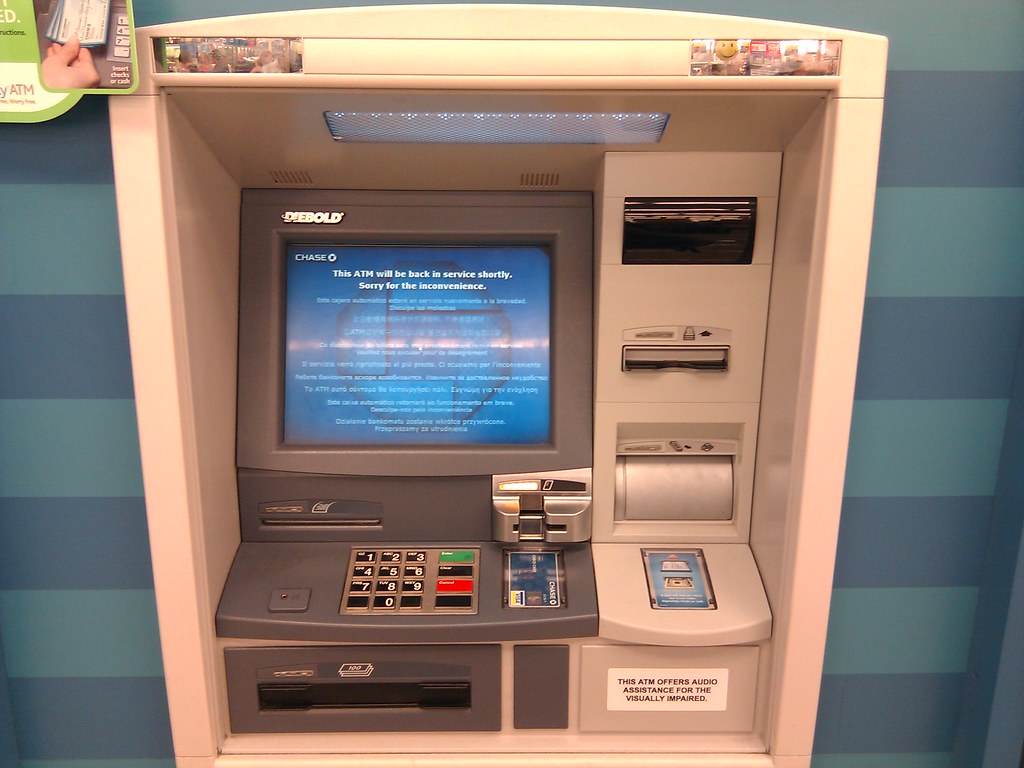
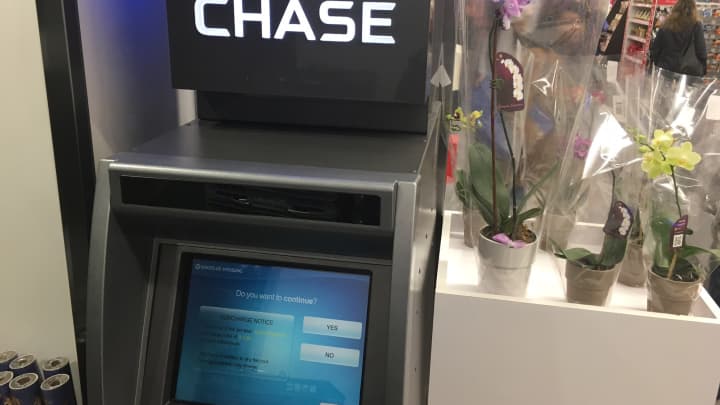
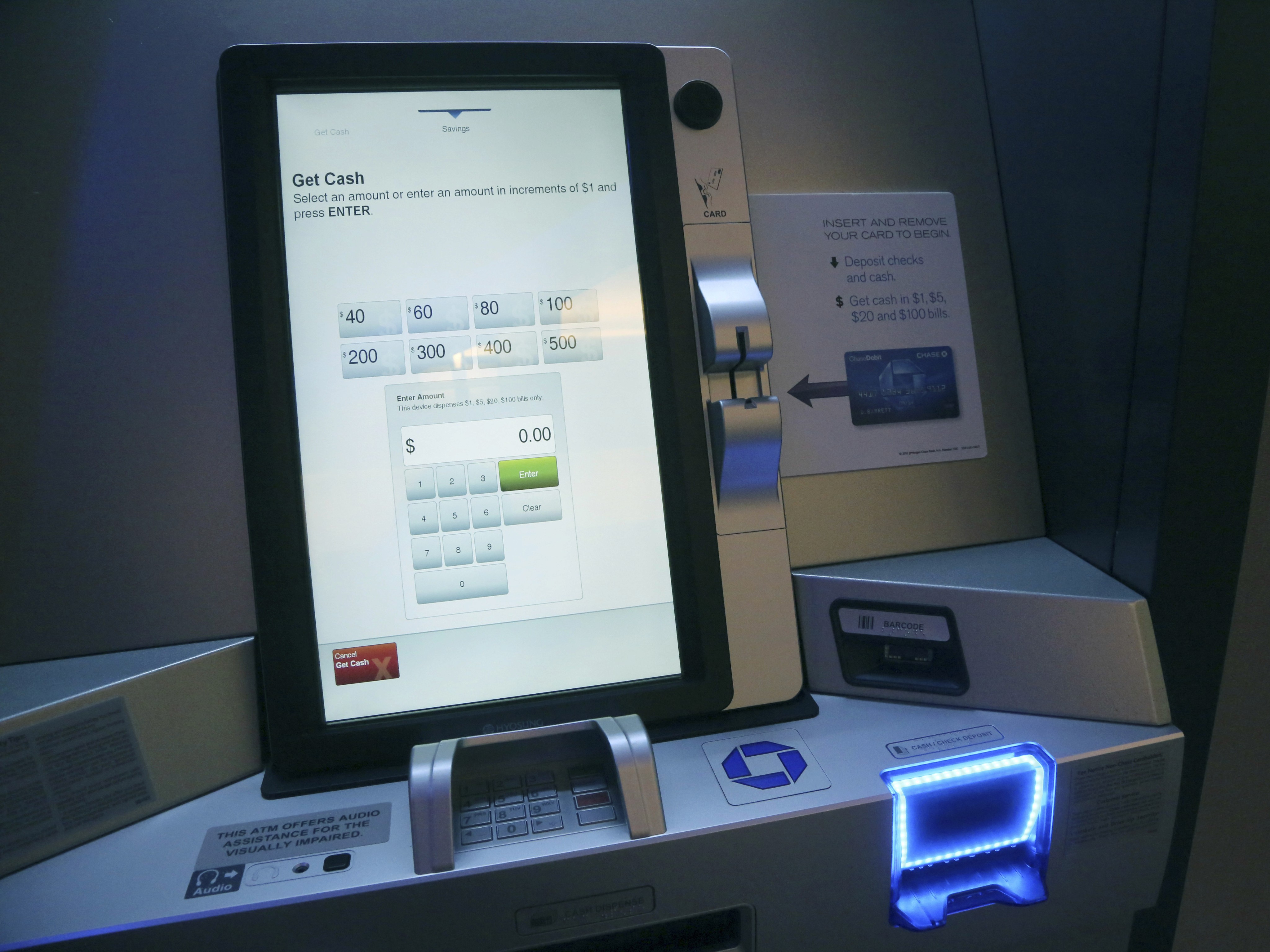
Working closely with the Columbus Ohio team, I learned that ATMs come in a variety of sizes, touch areas and ages. Our design and business goal became creating an ATM design solution that works for all ATMs. Whether you are at a Chase branch with the latest kiosk machines, or a Walmart where a smaller Chase ATM is present, the experience will be delightfully consistent.
Designing simply
Giving the magic touch
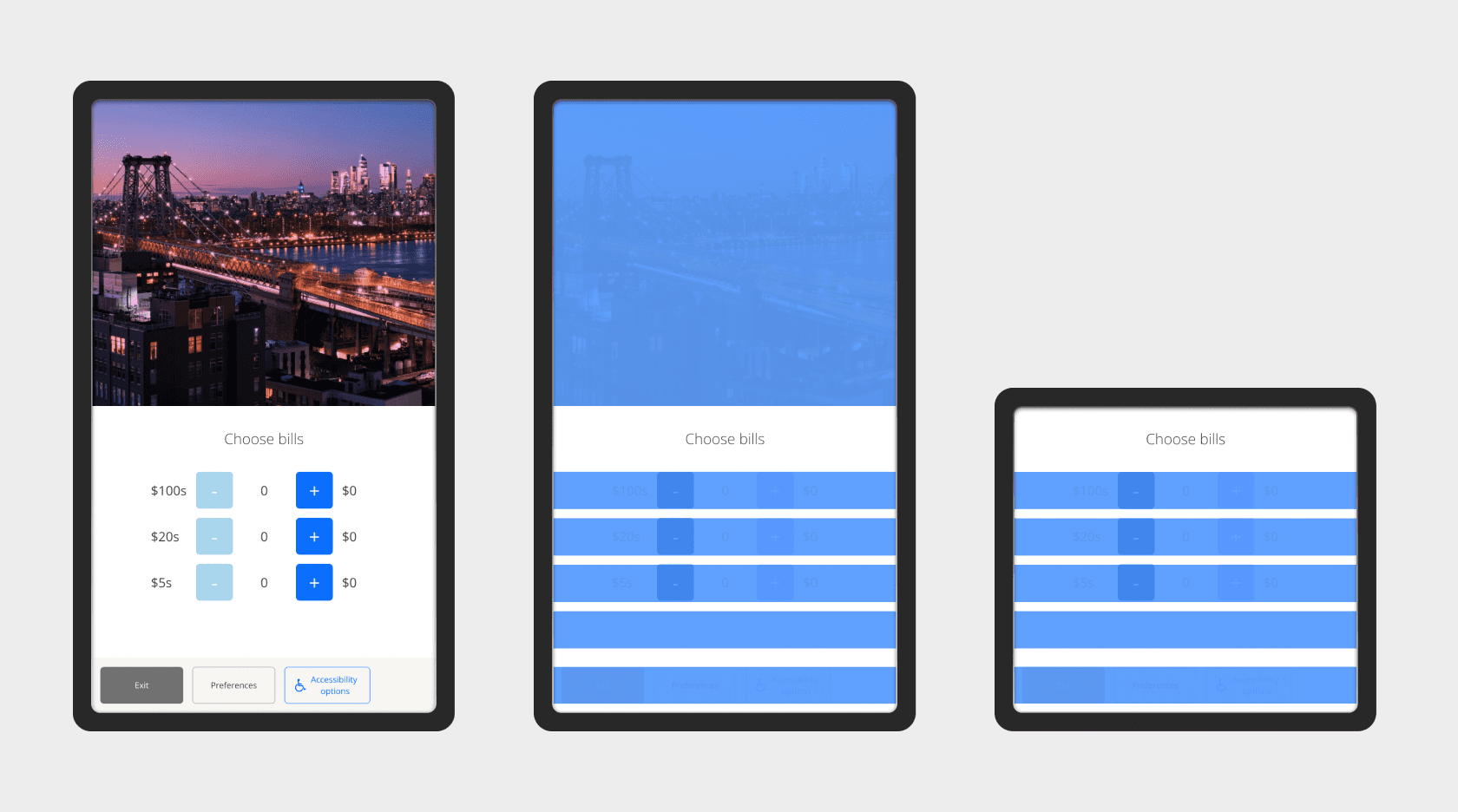
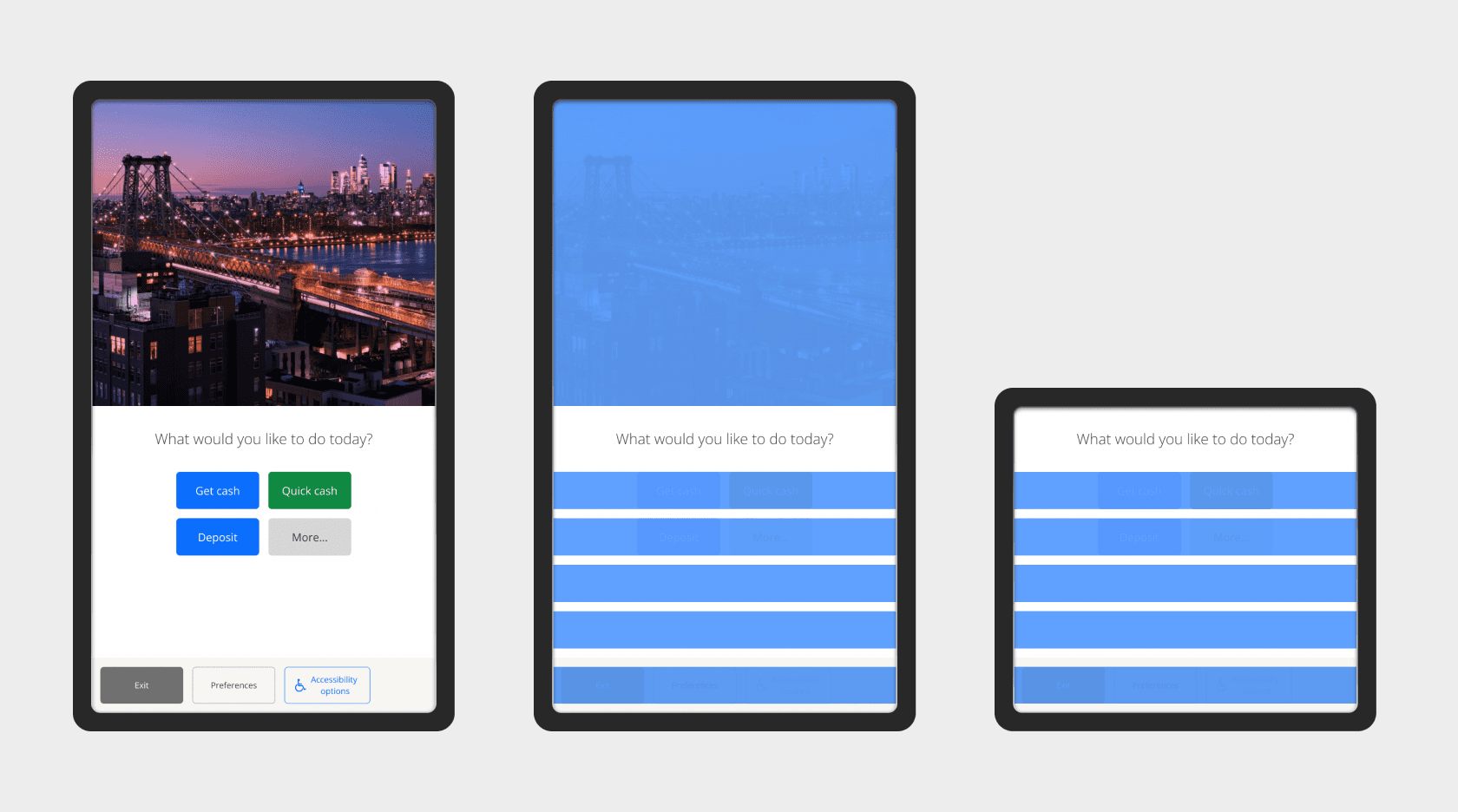
Consistent device tap areas: Blue-defined tap areas indicate geo-located photography and future product advertising on vertical kiosk displays, button interactions across a variety of screen compositions, and consistent tap areas across display sizes.
Delightfully quick... cash
Adhering to the digital organization principles of simple, personal and human, we simplified the customer withdrawal experiences to as few as two taps.
Quick cash wireframe
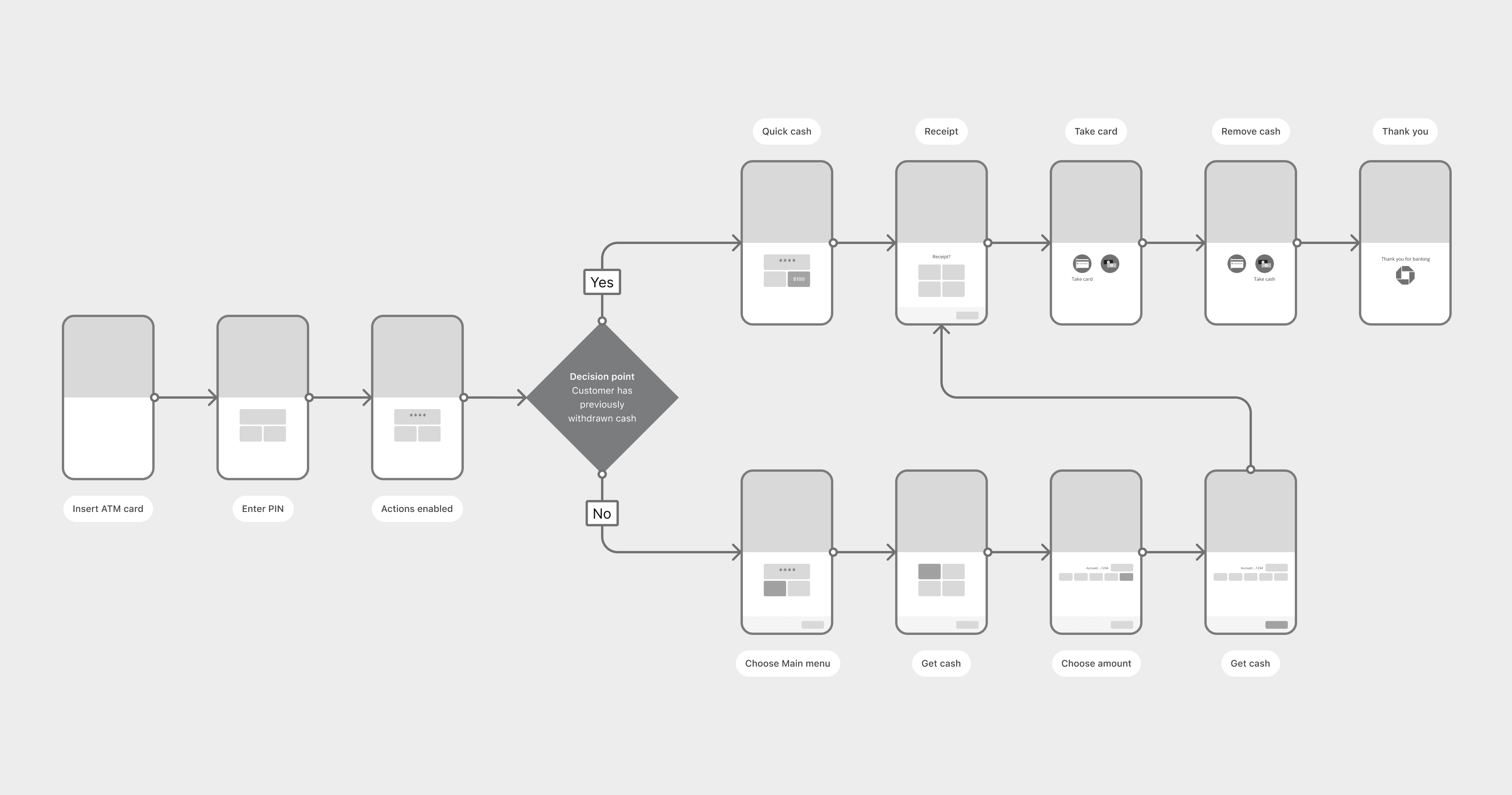
A customer who has previously withdrawn cash from a Chase ATM can get the same amount out by tapping “Quick cash”, followed by their receipt preference. It’s that easy.
Quick cash visual
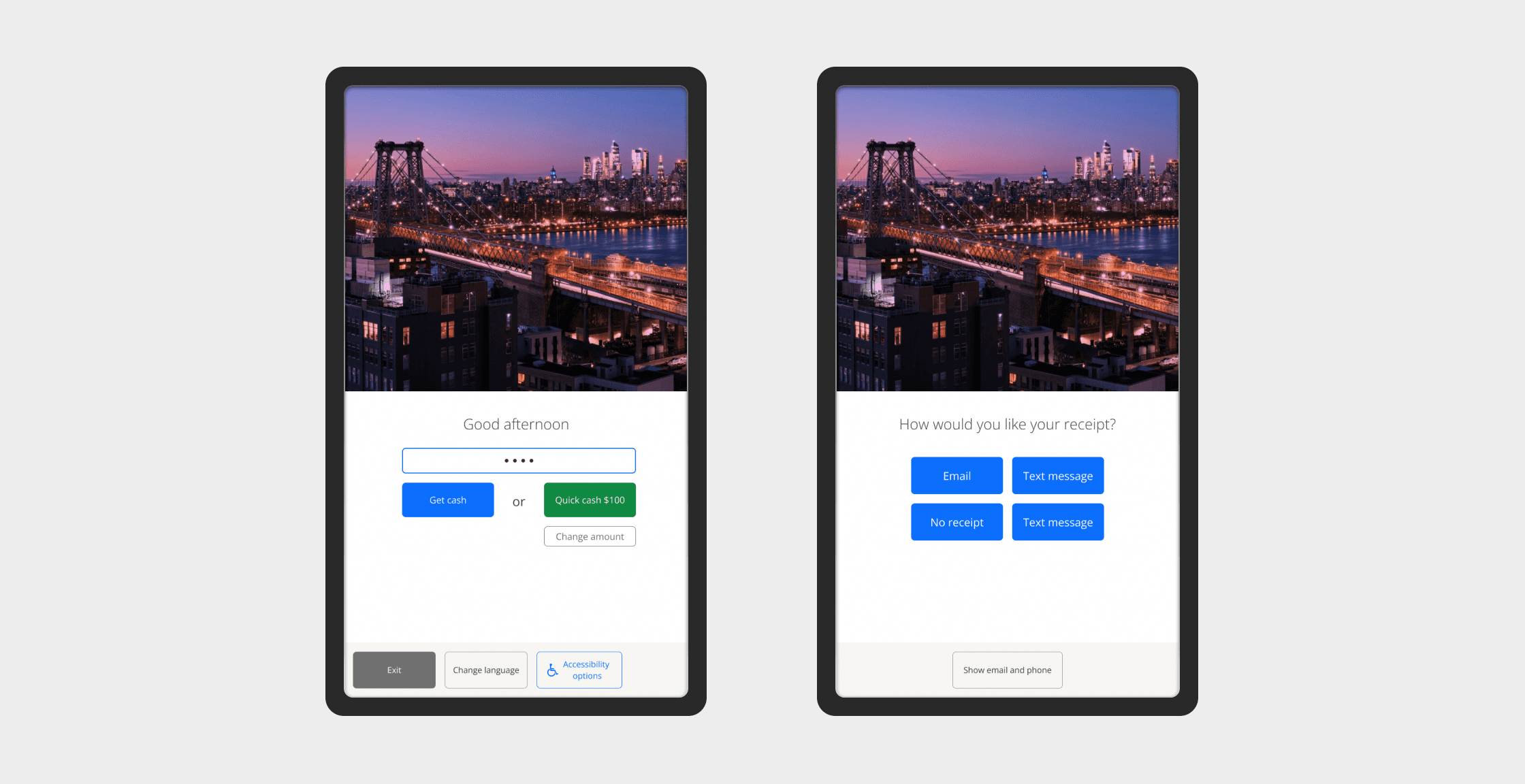
Quick cash is immediately available to a customer who has entered their PIN, and previously withdrawn cash. After selecting “Quick cash,” they are prompted to select their receipt type. Done.
Get the full story
Learn more about how we saved a team, fostered culture, and built out a complete, feature-rich ATM experience that re-imagined the ATM.